

TL;DR I tried four different rendering engines for web content in Iced. Here's what I learned.
Rendering web content sounds easy at first. You take some HTML and CSS, draw it on screen, handle a few clicks. But the moment you try to do this inside a native GUI toolkit — without a browser — things get complicated fast.
Iced is a Rust GUI framework that’s been gaining traction. It’s declarative, Elm-inspired, and compiles to native code. What it doesn’t have is a built-in way to render HTML. I wanted to fix that.
I picked up an existing project that had integrated Ultralight — a proprietary rendering engine — and started building iced_webview. I ended up integrating four different rendering backends, which gave me a pretty good picture of where web rendering in Rust actually stands.
The Backends
1. litehtml — The Lightweight Option
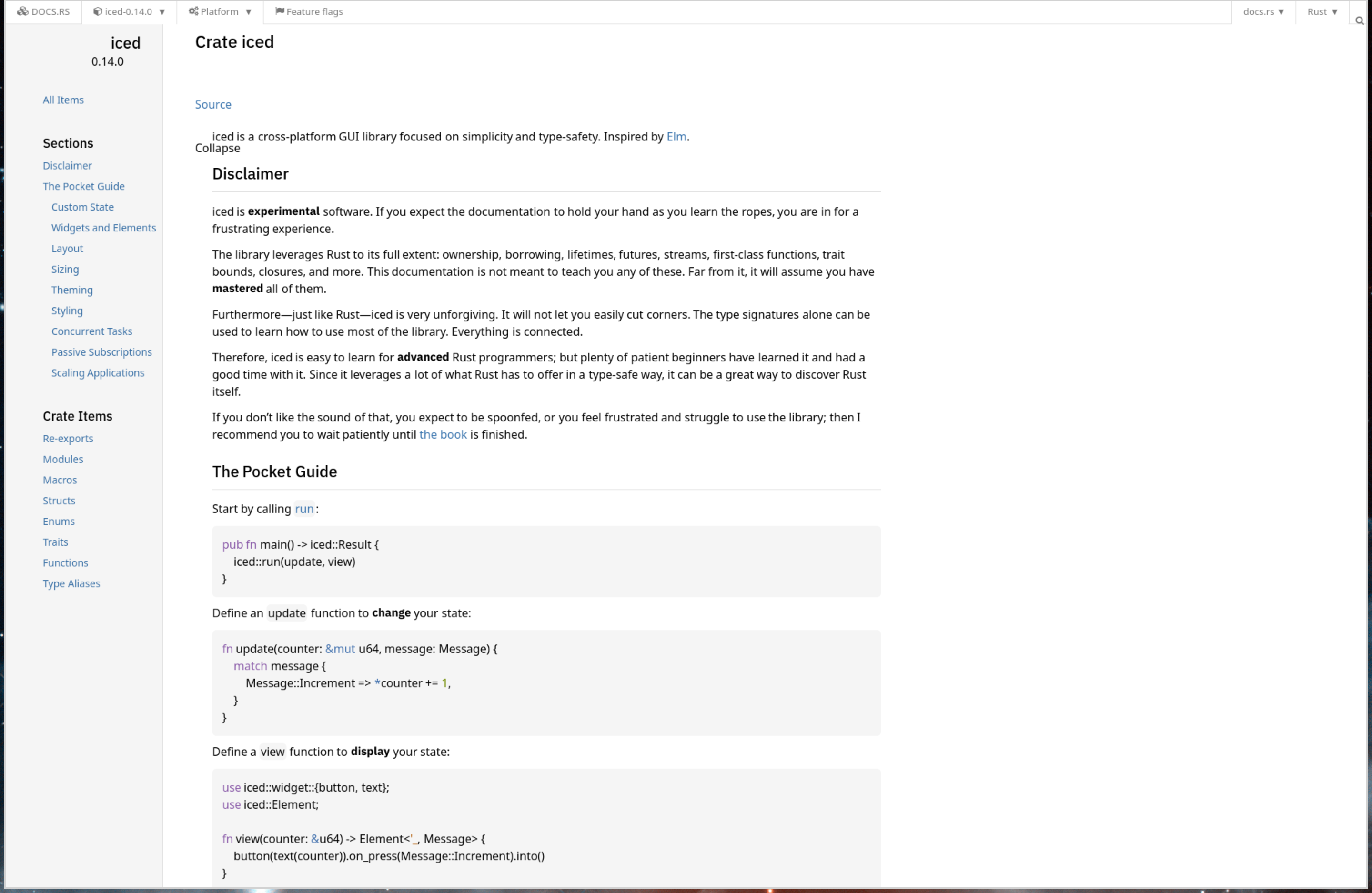
litehtml is a lightweight C++ HTML/CSS renderer. I built Rust bindings for it and published them to crates.io — so it’s a pure crates.io dependency, just cargo build and go.
I built out HTTP fetching, image loading, link navigation, text selection, and CSS @import resolution on top of it. For simple content, it’s pretty decent. Think HTML emails, documentation pages, basic content display.
The thing is — litehtml renders a subset of CSS. It has basic flexbox support but no grid, no JavaScript. It draws the full document to a pixel buffer, and the Iced widget handles scrolling from there.
Things like litehtml are lightweight and capable — until you need anything more complex. For a help viewer or a formatted content panel, it’s a solid choice. For anything resembling a modern web page, you’ll hit walls fast.
[dependencies]
iced_webview_v2 = { version = "0.1", features = ["litehtml"] }
2. Blitz — Pure Rust, Modern CSS
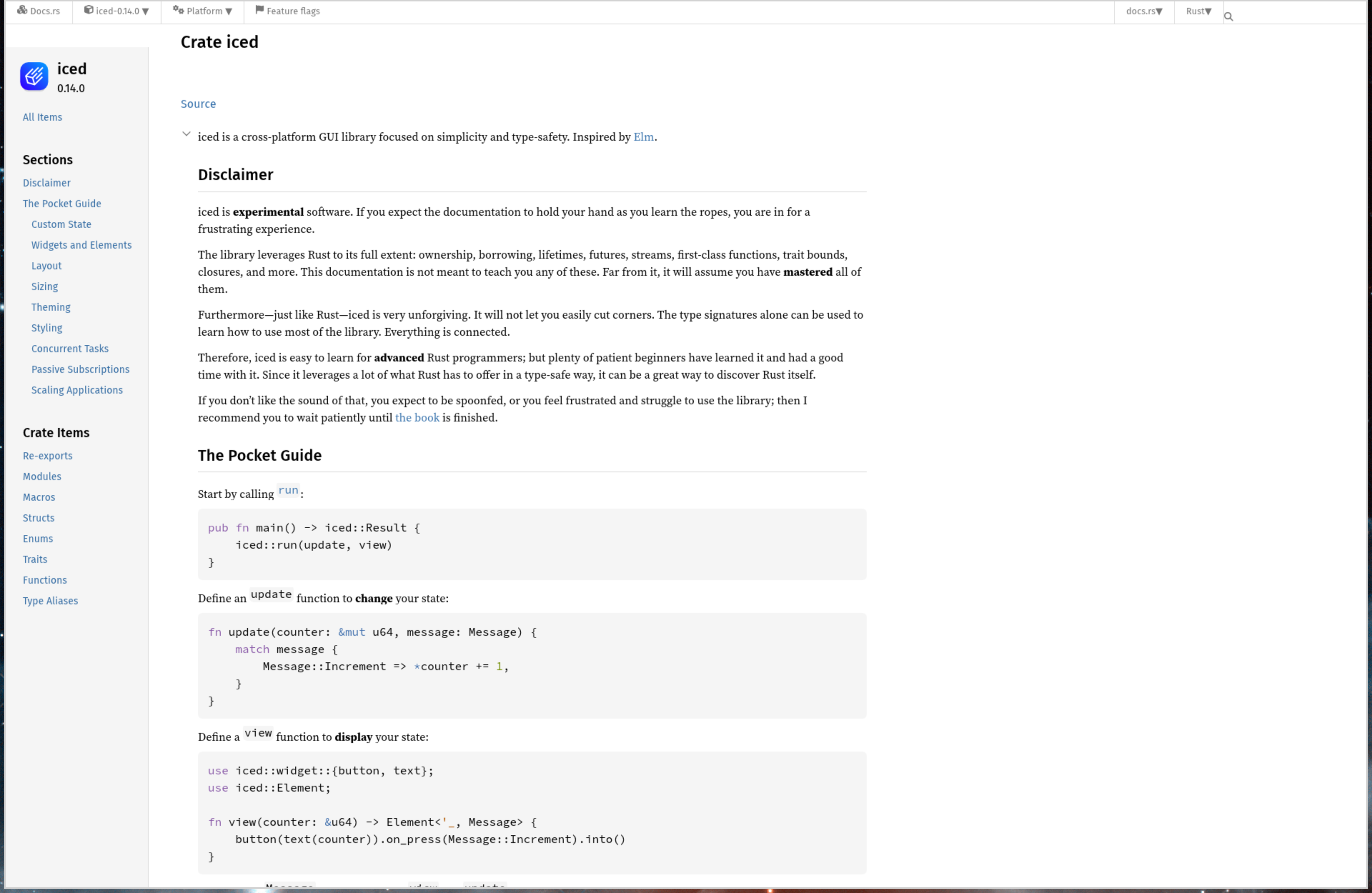
Blitz is DioxusLabs’ Rust-native renderer. It uses Firefox’s Stylo engine for CSS resolution and Taffy for layout. That means flexbox and grid support out of the box, all in pure Rust.
Like litehtml, Blitz renders the full document to a buffer and the widget handles scrolling. No JavaScript, no incremental rendering, and :hover CSS styles aren’t visually applied — the hover state is tracked (cursor changes work), but the full CPU re-render is skipped for performance. For static content with modern layouts, it’s a significant step up from litehtml.
Blitz is a git-only dependency — you need to build from the repo, not crates.io:
[dependencies]
iced_webview_v2 = { version = "0.1", default-features = false, features = ["blitz"] }
3. Servo — The Full Browser Engine
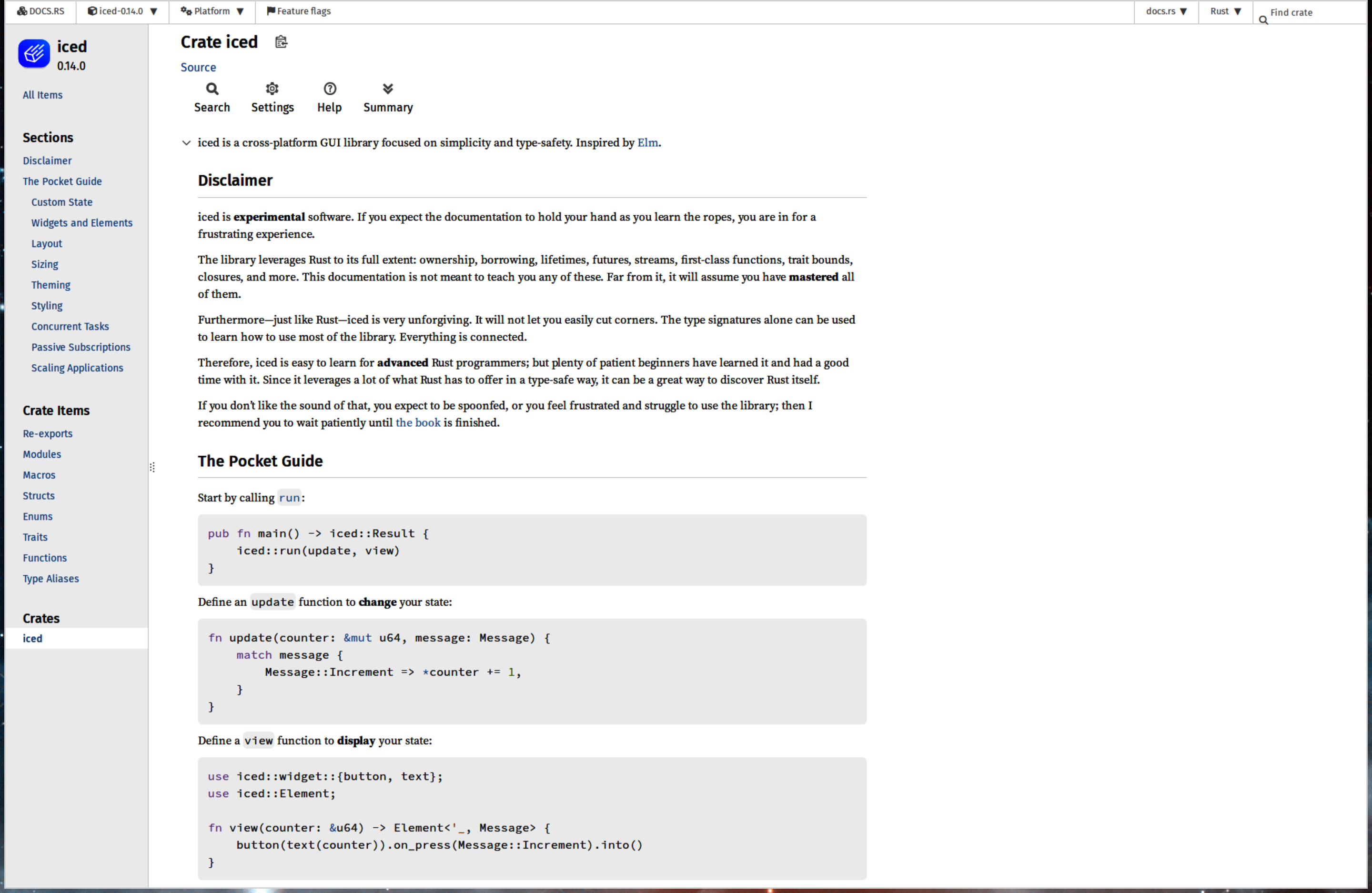
Servo is an experimental browser engine, originally from Mozilla Research and now hosted at Linux Foundation Europe. HTML5, CSS3, JavaScript via SpiderMonkey — the full stack. I thought Servo would be the answer. It turns out the story is more nuanced than that.
Servo required a fundamentally different rendering approach. Instead of rendering to a pixel buffer that the widget scrolls, Servo manages its own viewport — I had to build a shader widget that uploads the engine’s pixel buffers to a persistent GPU texture whenever Servo signals a new frame is ready.
When it works, it works great. Pages render correctly, JavaScript executes, the layout matches what you’d expect from a browser. But SpiderMonkey crashes on pages with heavy JavaScript. Not every time - just often enough that you can’t ship it for general use.
On top of that, Servo pulls in a massive dependency tree and produces binaries in the 50-150 MB range. Text selection works visually within Servo (including Ctrl+C via its internal clipboard handling), but the selection can’t be queried from the embedding API. And since both Servo and Blitz depend on Stylo, I had to use Blitz from source instead of crates.io to get matching versions.
Like Blitz, Servo is a git-only dependency — build from the repo:
[dependencies]
iced_webview_v2 = { version = "0.1", default-features = false, features = ["servo"] }
4. CEF / Chromium — The Pragmatic Choice
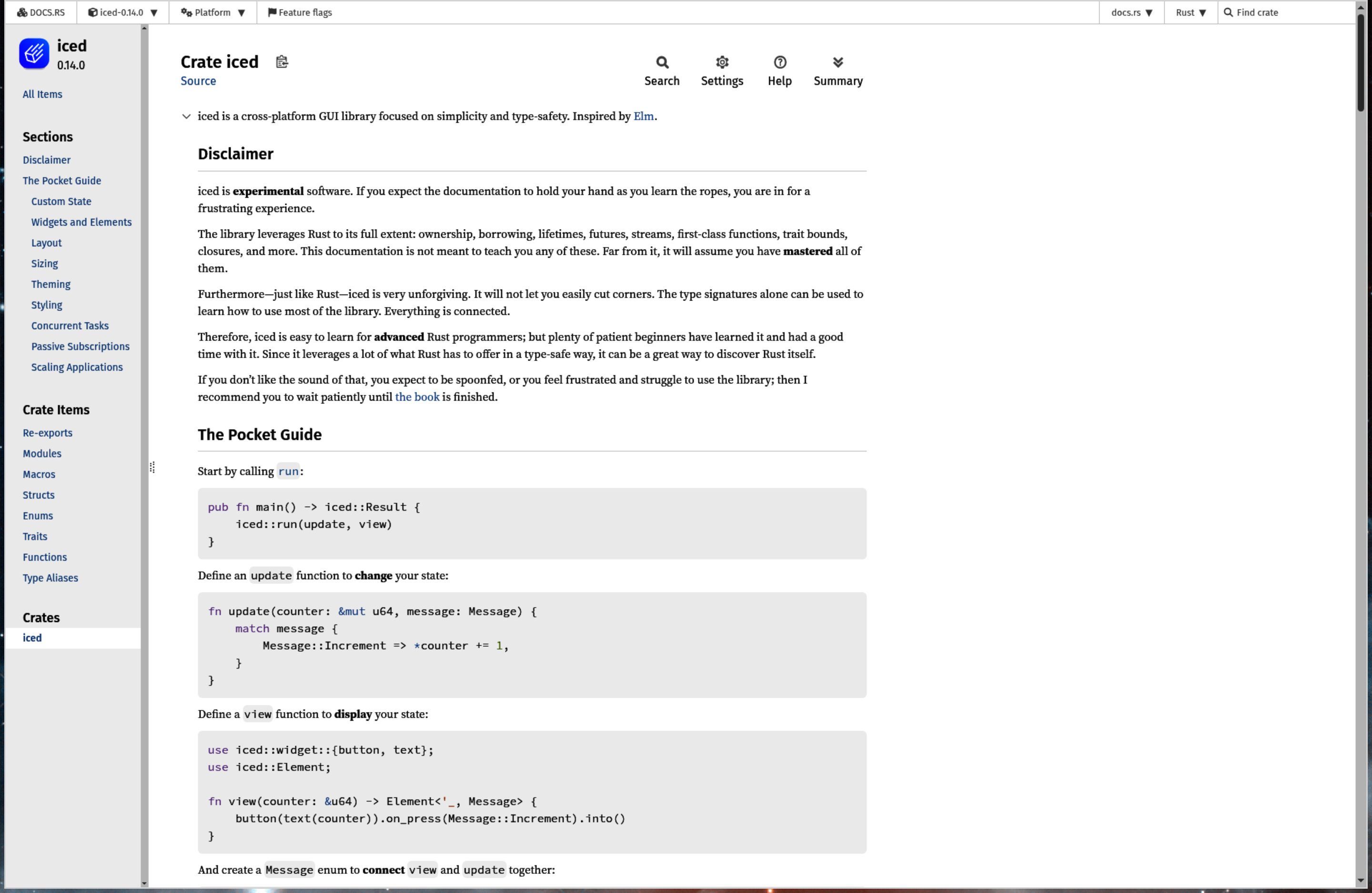
The Chromium Embedded Framework, accessed through Tauri’s cef-rs bindings, is the fourth backend. It’s not Rust-native. It downloads 200-300 MB of Chromium binaries at build time. It runs a multi-process architecture that requires subprocess handling. And it’s the only option right now if you need full web compatibility in Iced without proprietary licensing.
Like Servo, CEF uses the shader widget path — off-screen rendering mode where the engine manages scrolling and sends viewport-sized frames to the GPU. I had to disable GPU compositing for OSR mode and handle Wayland detection to get it running reliably. On Guix, I created a separate manifest with FHS emulation because CEF’s binaries expect standard library paths.
It’s heavy. It’s not elegant. But it renders everything.
[dependencies]
iced_webview_v2 = { version = "0.1", features = ["cef"] }
Two Rendering Paths
There are two fundamentally different rendering approaches across these backends:
- Image handle path (litehtml, Blitz): The engine renders the entire document to a pixel buffer. The Iced widget handles scrolling by adjusting which portion of the buffer is visible. Simple, predictable, easy to integrate.
- Shader widget path (Servo, CEF): The engine manages its own viewport and scrolling. The widget receives viewport-sized frames via direct GPU texture updates.
The split exists because lightweight engines are just layout libraries — they produce pixels and that’s it. Full browser engines have their own event loops, compositing, and need to own the viewport for things like JS scroll events, position: fixed, and sticky elements.
The Engine trait abstraction in iced_webview handles this difference. You swap backends with a feature flag and the widget handles whichever path the backend uses.
Comparison
| litehtml | Blitz | Servo | CEF | |
|---|---|---|---|---|
| CSS Support | Basic (flexbox, no grid) | Modern (flexbox, grid) | Full CSS3 | Full CSS3 |
| JavaScript | No | No | Yes (SpiderMonkey) | Yes (V8) |
| Rendering | Buffer + widget scroll | Buffer + widget scroll | Shader / GPU texture | Shader / GPU texture |
| Binary Size | Small | Moderate | 50-150 MB | 200-300 MB |
| Rust Toolchain | Stable (1.90+) | Stable (1.90+) | Stable (1.90+) | Stable (1.90+) |
| crates.io | Yes | No (git dep) | No (git dep) | Yes |
| Stability | Stable | Stable | Crashes (JS-heavy pages) | Stable |
| Text Selection | Yes | In blitz-dom, not yet wired | Yes (engine-managed, not queryable) | Yes |
Where Things Stand
I’ve published iced_webview to crates.io with litehtml as the default backend. It’s the only option for a pure crates.io dependency. For anything beyond basic HTML/CSS, you opt into Blitz, Servo, or CEF via feature flags.
Litehtml is good enough for simple content. Blitz covers the modern CSS gap without leaving the Rust ecosystem. Servo has the most promise long-term but isn’t stable enough yet. CEF is the pragmatic choice when you need things to just work.
If you’re building an Iced application that needs to display web content, you now have options. Do take these with a grain of salt — this is early-stage work, and each backend has its rough edges and things are changing fast.
Check out the GitHub repo or grab it from crates.io.