Stackpit // self-hosted error tracking SINGLE BINARY · SQLITE · ZERO DEPS STATUS: HEALTHY
Stackpitan open-source project
Features How it works Install GitHub ↗ goFranz
$ self-hosted error tracking

Catch errors. Drop the Sentry bill.

A drop-in, self-hosted replacement for Sentry's event ingestion and browsing. Single binary, single SQLite file, no external dependencies.

Get it on GitHub Quickstart ↓
LicenseMIT
StackRust
Storagesingle SQLite file
Dependenciesnone
stackpit — zsh
~/app $ stackpit init
↳ wrote config to ./stackpit.toml
↳ admin token: spk_3f9c…a21e
~/app $ stackpit serve
✓ admin + API 127.0.0.1:3000
✓ ingestion 0.0.0.0:3001
listening for events…
▾ issues · last hour
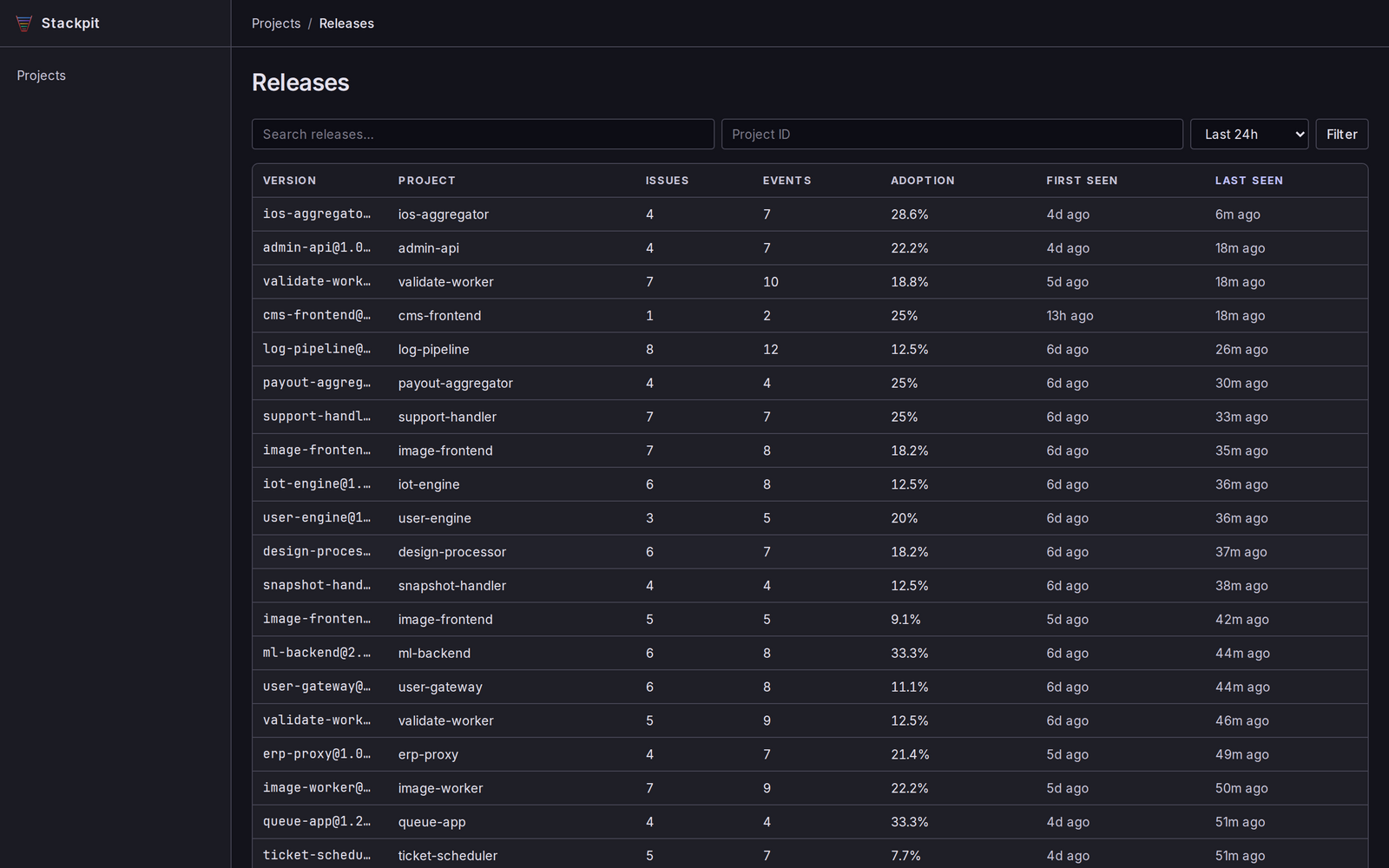
TypeError — undefined is not a function14 events · 2m
500 — POST /api/checkout6 events · 11m
KeyError — resolved in v2.4.10 new · 1h

Built out of frustration with Sentry's pricing on smaller projects — and the pain of self-hosting the official thing. Essential error tracking: ingest, group, browse — without the cost or the ops overhead.

01

What it does

6 things · no fluff
Drop-in Sentry protocol

Envelope and legacy store endpoints, all auth methods. Your existing Sentry SDKs work unmodified — just point the DSN.

// compatible
Single binary, zero deps

SQLite by default — one file, nothing to babysit. PostgreSQL optional when you outgrow it.

// self-hosted
Issue grouping

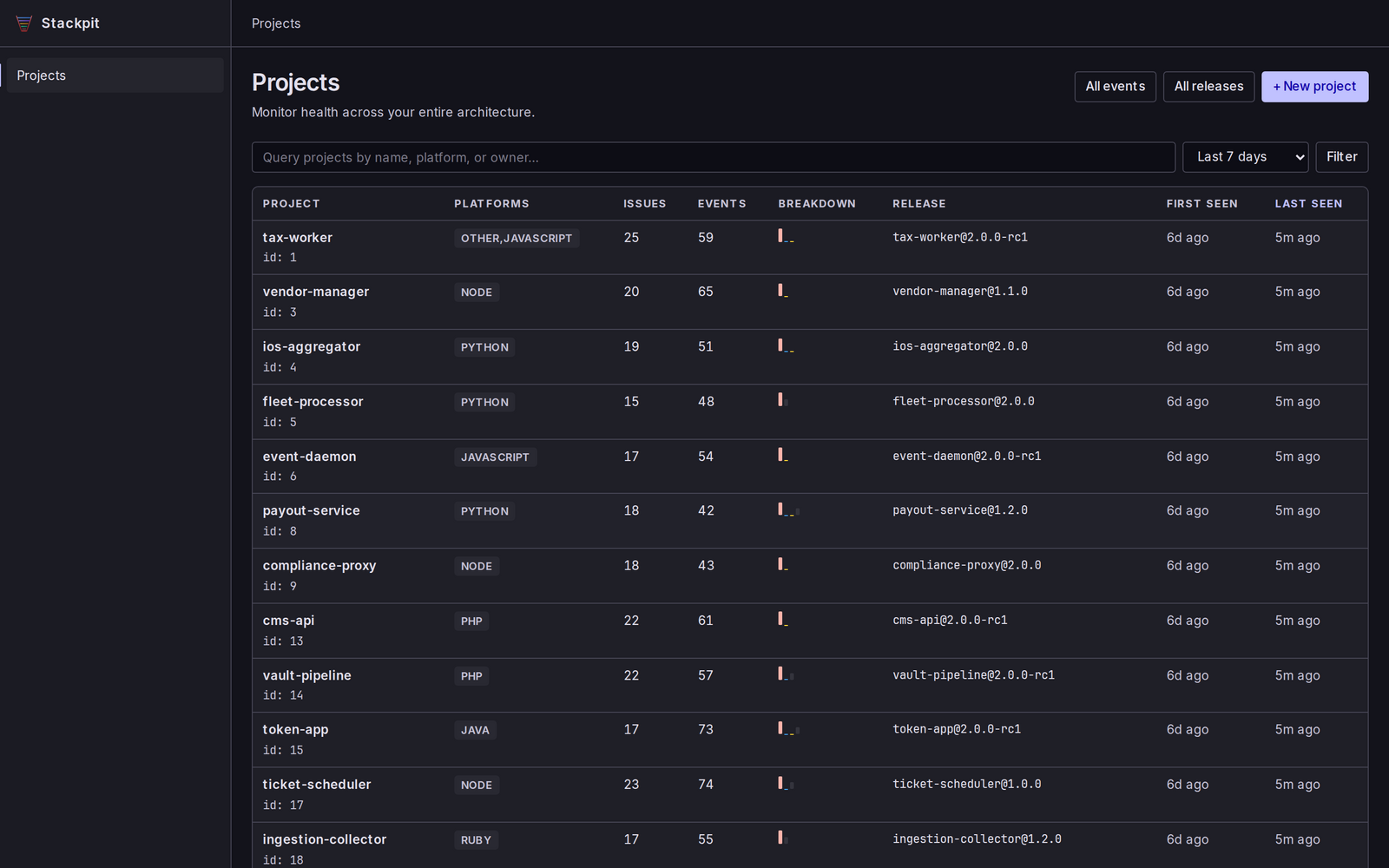
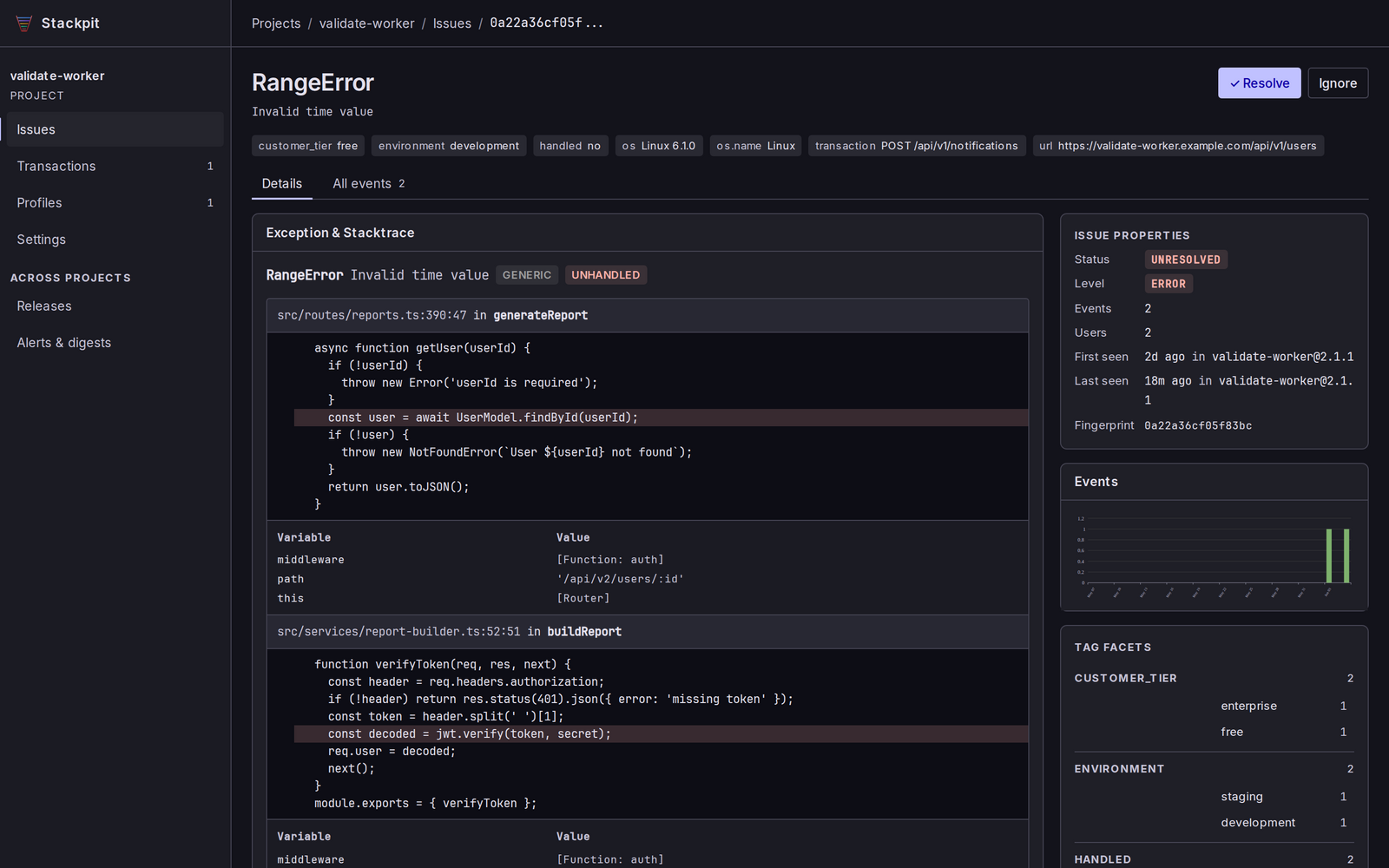
Fingerprint-based grouping, with regression and resolution tracking. Know when a fixed bug comes back.

// signal
Server-rendered UI

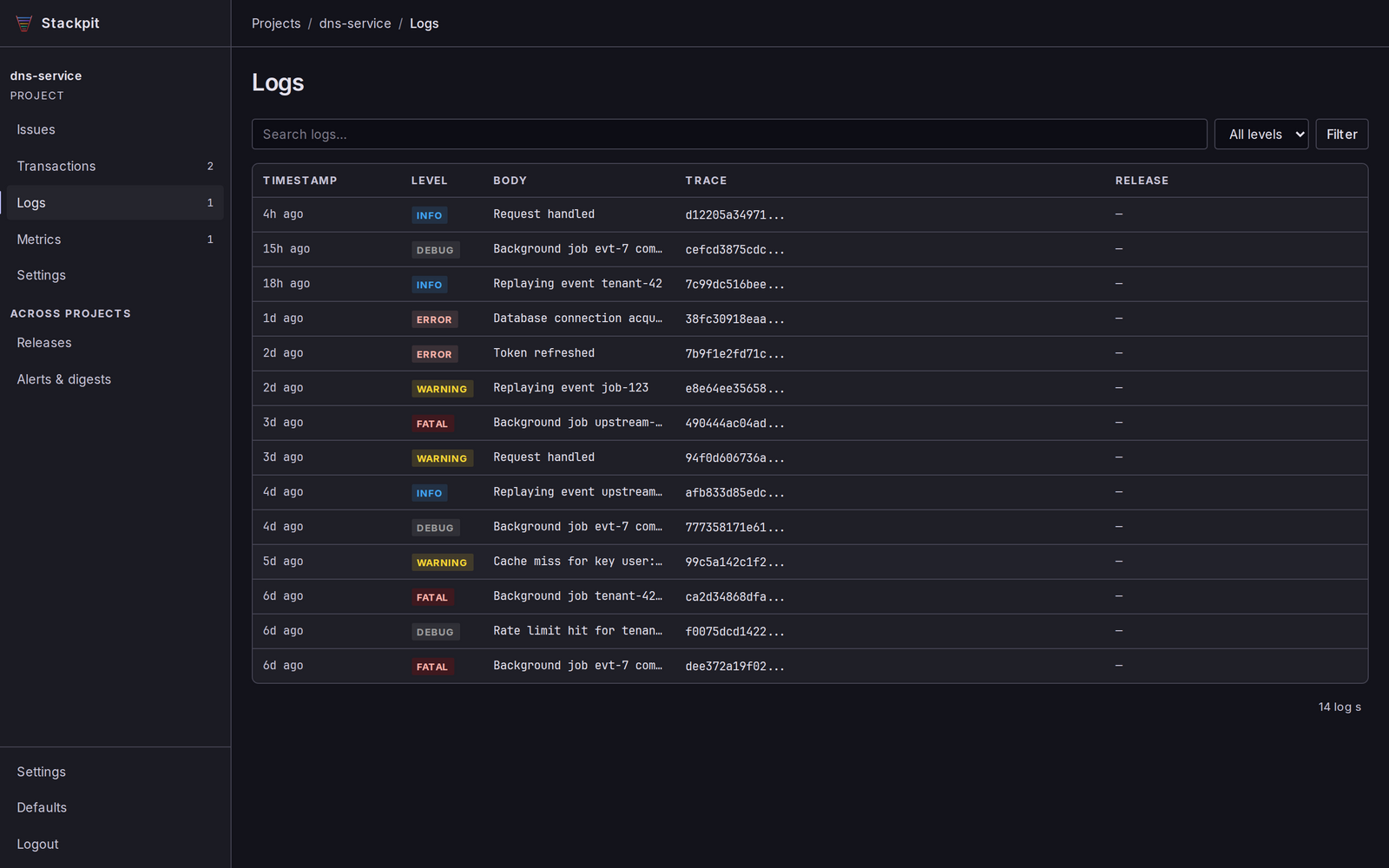
Issues, events, transactions, logs, traces, replays, monitors — plus a JSON API for everything you see.

// browse
Alerts

Email (Lettermint, Postmark, SendGrid), Slack and webhooks. Digests and thresholds so you're not spammed.

// notify
Extras

Source maps via sentry-cli, cron monitor check-ins, admin-token or OAuth/OIDC SSO, and import from existing Sentry.

// batteries
02

How it works

two listeners

SDK → ingestion. You → admin.

Two listeners, on purpose. Your apps push events to the ingestion port from anywhere; you browse them on a port that only answers to localhost.

127.0.0.1:3000admin UI + JSON API · localhost only
0.0.0.0:3001ingestion · all interfaces
// illustrative — Sentry SDK pointed at stackpit // browser / node — any Sentry SDK works
Sentry.init({
  dsn: "https://spk_public_key@errors.example.com:3001/1",
  tracesSampleRate: 1.0,
});

Point the DSN host at your stackpit ingestion listener on :3001. The admin UI and JSON API stay on :3000, bound to localhost — put it behind your own VPN, SSH tunnel or reverse proxy. No SDK changes, no patched fork.

03

Install & run

packages · docker · binaries
brew tap franzos/tap .deb dpkg -i .rpm rpm -i guix -L panther docker ghcr.io prebuilt binaries
run locally
# install — Debian/Ubuntu shown; .rpm & macOS on the releases page
$ sudo dpkg -i stackpit_*_amd64.deb
# generate config + admin token, then start both listeners
$ stackpit init
$ stackpit serve
✓ admin + API 127.0.0.1:3000
✓ ingestion 0.0.0.0:3001
run with docker
# SQLite image — use :latest-postgres for PostgreSQL
$ docker pull ghcr.io/franzos/stackpit:latest
# generate config + admin token
$ docker run --rm -v stackpit-data:/app \
ghcr.io/franzos/stackpit:latest ./stackpit init
# run it (admin :3000 · ingestion :3001)
$ docker run -d --name stackpit \
-p 3000:3000 -p 3001:3001 -v stackpit-data:/app \
ghcr.io/franzos/stackpit:latest

MIT — free and open. No seats, no event quotas, no "contact sales". Run it on a €5 box and forget about it.

// ship it

git clone, then forget the bill

Get it on GitHub → Read the quickstart