iced_webview a webview for iced
Engines Use it Install GitHub ↗ goFranz
a rust library · for iced

Put a web view in your iced app

A library to embed web content in iced applications. Pick a rendering engine, add the widget to your view(), and render HTML inside your own widget tree — not a separate window, not a screenshot.

Crateiced_webview_v2
For iced0.14
LicenseApache-2.0
Status 0.1 · pre-1.0
main.rs
// pick a rendering engine — swap the type, nothing else type Engine = iced_webview::Litehtml; // Blitz · Servo · Cef let webview = WebView::<Engine, _>::new() .on_create_view(Message::Ready) .on_action(Message::WebView); // then, in your view(): self.webview.view().map(Message::WebView)

iced has no built-in way to show web content — your options were a screenshot or a whole second process. iced_webview wires a real renderer into iced's widget tree, and lets you choose how heavy that renderer is.

01

Pick an engine

one widget · four backends
litehtmldefault

Lightweight CPU renderer for static HTML/CSS — think emails and documentation. Small, no surprises.

JavaScriptNo
CSSflexbox
Footprintsmall
Blitz

Rust-native engine on Firefox's Stylo — modern CSS including grid, GPU-rasterized. No JS, by design.

JavaScriptNo
CSSflex + grid
Footprintmoderate
Servo

A full browser engine — HTML5, CSS3, JS via SpiderMonkey. The most capable, and the heaviest to build.

JavaScriptYes
CSSfull
Footprintlarge
CEF

Chromium Embedded Framework — full Chromium compatibility via cef-rs. Ships Chromium binaries alongside you.

JavaScriptYes
CSSfull
Footprintlarge

litehtml and Blitz are pure renderers — no JavaScript — and best for static or semi-static HTML. Servo and CEF are real browser engines with JS, at the cost of build complexity and binary size. litehtml is the default; the others are feature flags.

litehtml
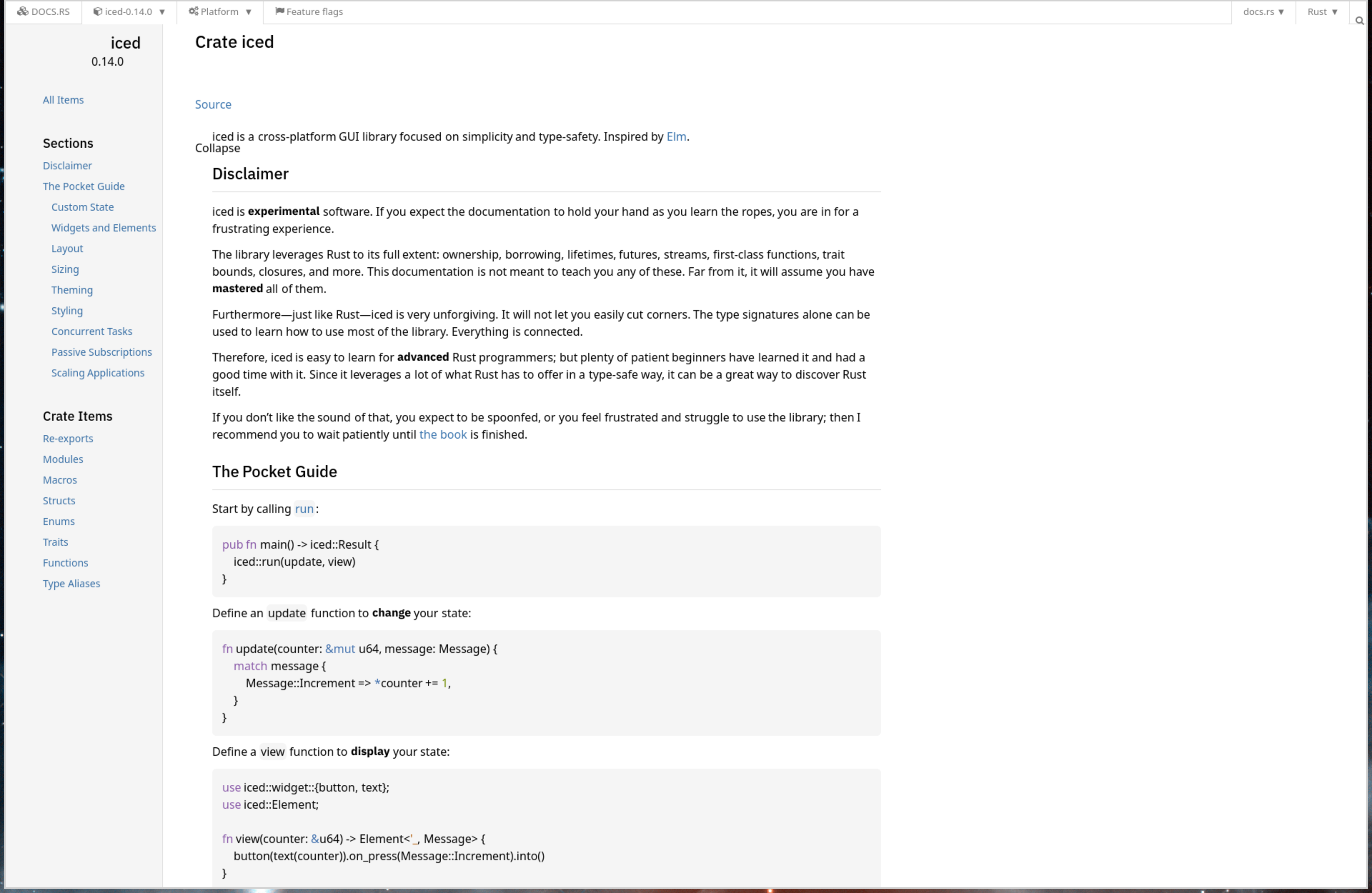
An HTML page rendered by the litehtml engine inside an iced window
Blitz
The same HTML page rendered by the Blitz engine inside an iced window
Servo
The same HTML page rendered by the Servo browser engine inside an iced window
CEF
The same HTML page rendered by the CEF (Chromium) engine inside an iced window
02

Use it

create · switch · render

The widget owns its views. Create one with Action::CreateView — pass a PageType::Url or a raw PageType::Html string — then switch between views and render the active one.

One thing to remember: a periodic Action::Update subscription drives rendering and engine state. Wire it up and the rest is just messages.

Need explicit tabs? There's an advanced module that hands you a ViewId per view instead of plain indices.

update / view / subscription
// load a page Action::CreateView(PageType::Url( "https://example.com".into(), )) // switch to it once created self.webview.update(Action::ChangeView(0)) // drive rendering (required) time::every(Duration::from_millis(10)) .map(|_| Action::Update)
03

Install

cargo · feature flags
crates.io iced_webview_v2 docs docs.rs source
add the crate
# litehtml engine, the default cargo add iced_webview_v2 # your app needs iced too cargo add iced -F advanced,image,tokio,lazy
choose another engine
# swap litehtml for blitz / servo / cef cargo add iced_webview_v2 \ --no-default-features -F blitz

Each engine carries its own build needs: litehtml wants clang/libclang, Servo is git-only and pulls system deps, and CEF downloads the Chromium binaries at build time. The repo's README and manifest.scm spell out the specifics, including the Guix/FHS dance for CEF.

Pre-1.0

This is a 0.1.x library and it moves. The embedding API is small and fairly settled, but the engines underneath travel at their own pace — Blitz is pre-alpha, Servo is git-only. Pin a version and read the CHANGELOG before you bump.

// render the web, in iced

One widget. Your choice of engine.

crates.io/crates/iced_webview_v2 · Apache-2.0