# Sway with Wayland on PantherX OS
Source: https://gofranz.com/blog/sway-with-wayland-on-pantherx/
What if you wanted to try a different Desktop environment, before modifying your system?
If you're on PantherX or Guix, this takes no more than a few minutes.
In this example, I work with PantherX. Refer to [Invoking guix system: VM](https://guix.gnu.org/manual/en/html_node/Invoking-guix-system.html#index-virtual-machine) for more info.
Here's what we'll need:
- A system configuration
- PantherX Channels
```scheme
(cons* (channel
(name 'pantherx)
(url "https://codeberg.org/gofranz/panther.git")
;; Enable signature verification:
(introduction
(make-channel-introduction
"54b4056ac571611892c743b65f4c47dc298c49da"
(openpgp-fingerprint
"A36A D41E ECC7 A871 1003 5D24 524F EB1A 9D33 C9CB"))))
%default-channels)
```
Then we'll build an image and boot it in a VM.
System configuration `sway-system.scm`
```scheme
;; PantherX OS Server Configuration with SWAY Desktop Environment
(use-modules (gnu)
(gnu system)
(px system panther)
;; swaylock-effects
(gnu packages wm))
(use-service-modules xorg)
(operating-system
(inherit %panther-os)
(host-name "px-base")
(timezone "Europe/Berlin")
(locale "en_US.utf8")
(bootloader
(bootloader-configuration
(bootloader grub-bootloader)
(targets '("/dev/vda"))))
(file-systems
(cons
(file-system
(device (file-system-label "my-root"))
(mount-point "/")
(type "ext4"))
%base-file-systems))
(users
(cons
(user-account
(name "panther")
(comment "panther's account")
(group "users")
;; Set the default password to 'pantherx'
;; Important: Change with 'passwd panther' after first login
(password (crypt "pantherx" "$6$abc"))
(supplementary-groups '("wheel" "audio" "video"))
(home-directory "/home/panther"))
%base-user-accounts))
(services
(cons*
(service screen-locker-service-type
(screen-locker-configuration
(name "swaylock")
(program (file-append
swaylock-effects
"/bin/swaylock"))
(using-pam? #t)
(using-setuid? #f)))
(service greetd-service-type
(greetd-configuration
(greeter-supplementary-groups
(list "video" "input" "users"))
(terminals
(list
(greetd-terminal-configuration
(terminal-vt "1")
(terminal-switch #t)
(default-session-command
(greetd-wlgreet-sway-session)))
(greetd-terminal-configuration
(terminal-vt "2"))
(greetd-terminal-configuration
(terminal-vt "3"))
(greetd-terminal-configuration
(terminal-vt "4"))
(greetd-terminal-configuration
(terminal-vt "5"))
(greetd-terminal-configuration
(terminal-vt "6"))))))
%panther-desktop-services-minimal))
(packages
(cons* sway
%panther-desktop-packages)))
```
To create the virtual machine image, run:
```bash
guix system vm sway-system.scm
...
building /gnu/store/m6y3b3w5nghb9naclwkyv0nl1pqah9nh-boot.drv...
building /gnu/store/v1bd60i7cc9f9rlcvsk7j2sg09p8zhqp-system.drv...
building /gnu/store/jnwha2fr1a8x9fqf8i3ai7lm5xf3bjc3-system.drv...
building /gnu/store/z9jlidjmi8w41rkw9j1qrl4287xv1cll-grub.cfg.drv...
building /gnu/store/8s98vlyy055fp8h782ig3ni9ibnpf20d-partition.img.drv...
building /gnu/store/snrijqvmb302mrhhys2dnf20y4y9a8b9-genimage.cfg.drv...
building /gnu/store/98sb8khwbp9g1gfljnzhkp15scffj85m-disk-image.drv...
building /gnu/store/11kxvwy4fnj2ckn4bfm8i7zqaplylg9r-run-vm.sh.drv...
/gnu/store/9jwyfa6bfpkhxwwglf5q74dcpnwa5kbp-run-vm.sh
```
and start the VM with (make sure to copy your path, not mine):
```bash
/gnu/store/9jwyfa6bfpkhxwwglf5q74dcpnwa5kbp-run-vm.sh -m 2048 -enable-kvm -nic user,model=virtio-net-pci
```
Leave out `-enable-kvm` or try `sudo ...` if you're getting permission errors; It will run slower though. Checkout [More Performance Using KVM](https://wiki.pantherx.org/qemu/#more-performance-using-kvm).
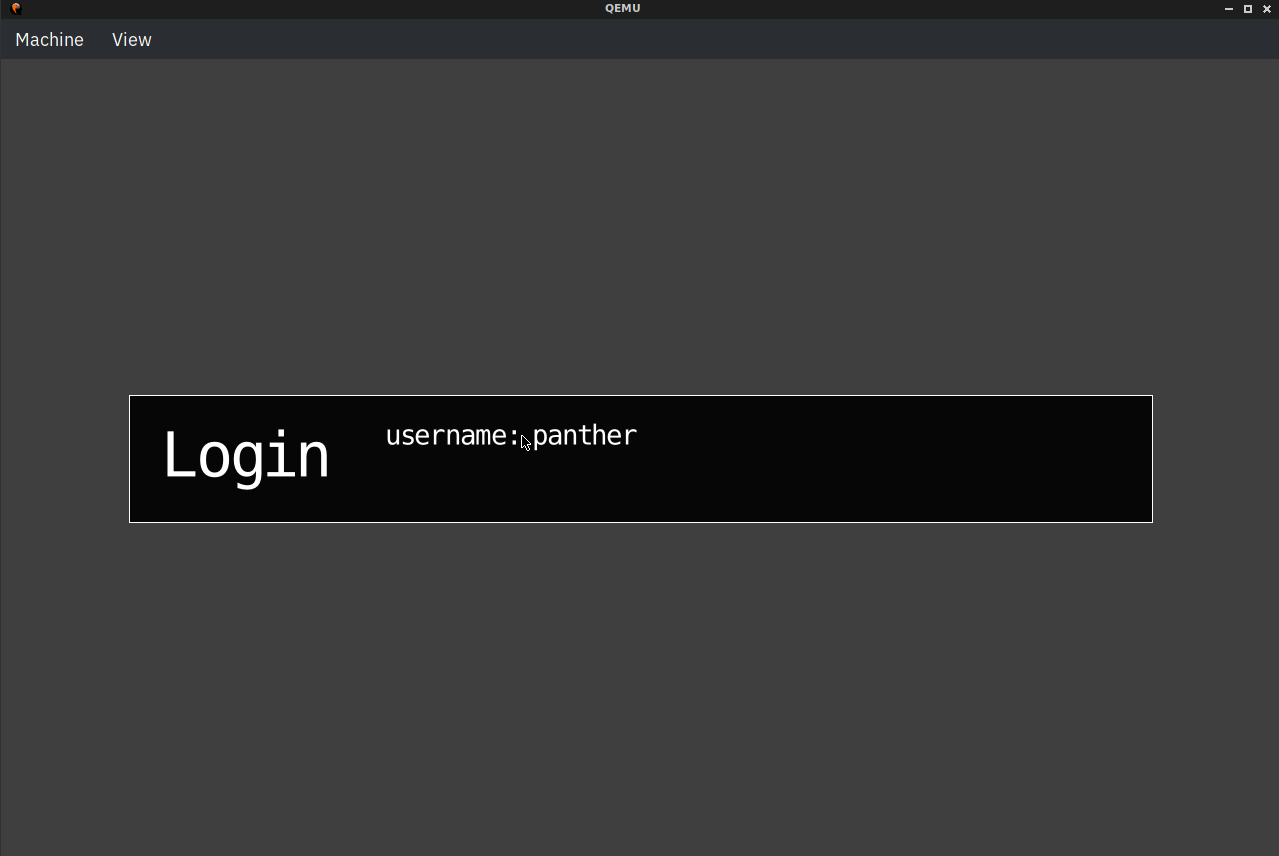 Login with username `panther` and password `pantherx`.
**NOTE**: At the moment sway does not auto-start, and you will see a command-line. Simply enter `sway` to start the Desktop environment.
Login with username `panther` and password `pantherx`.
**NOTE**: At the moment sway does not auto-start, and you will see a command-line. Simply enter `sway` to start the Desktop environment.
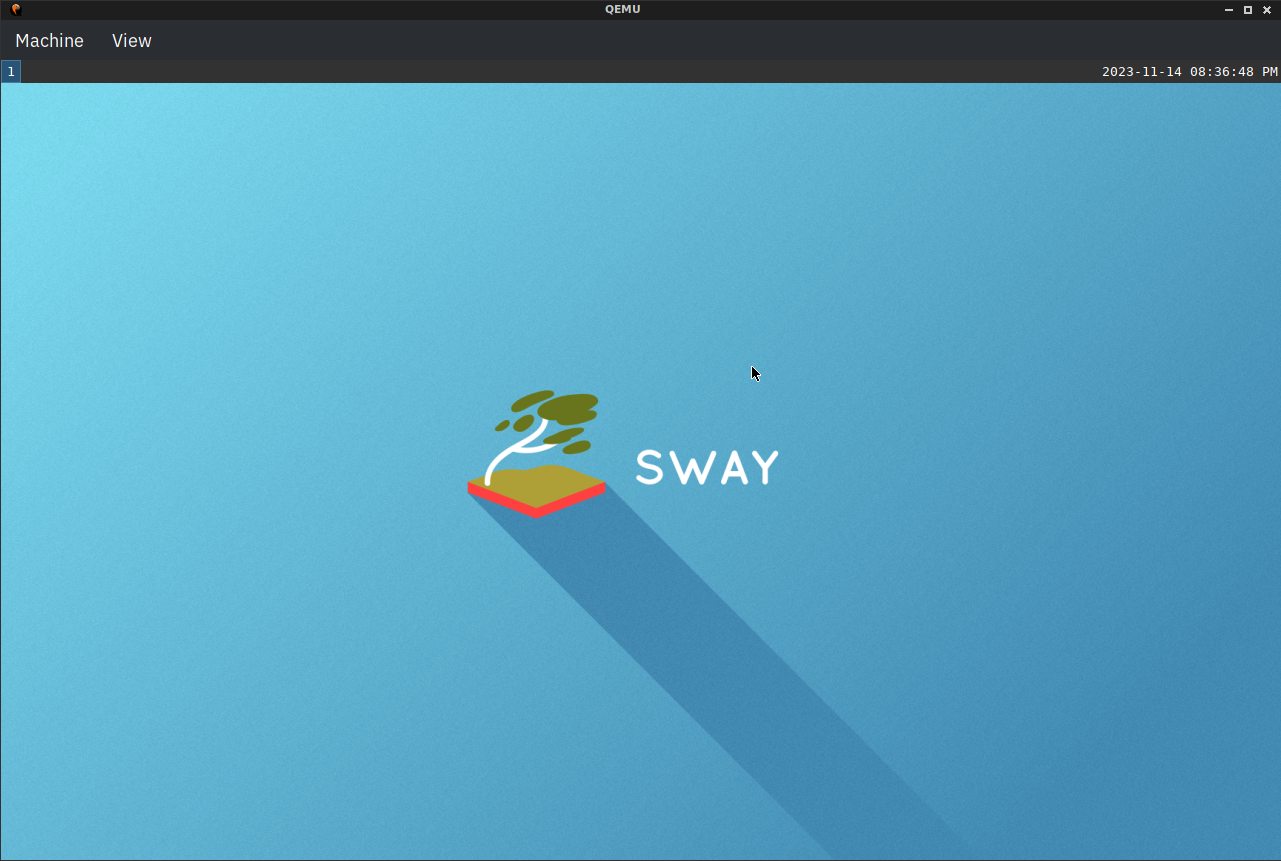 By default this works much like i3, so refer to this: [i3wm.org/docs/refcard](https://i3wm.org/docs/refcard.html).
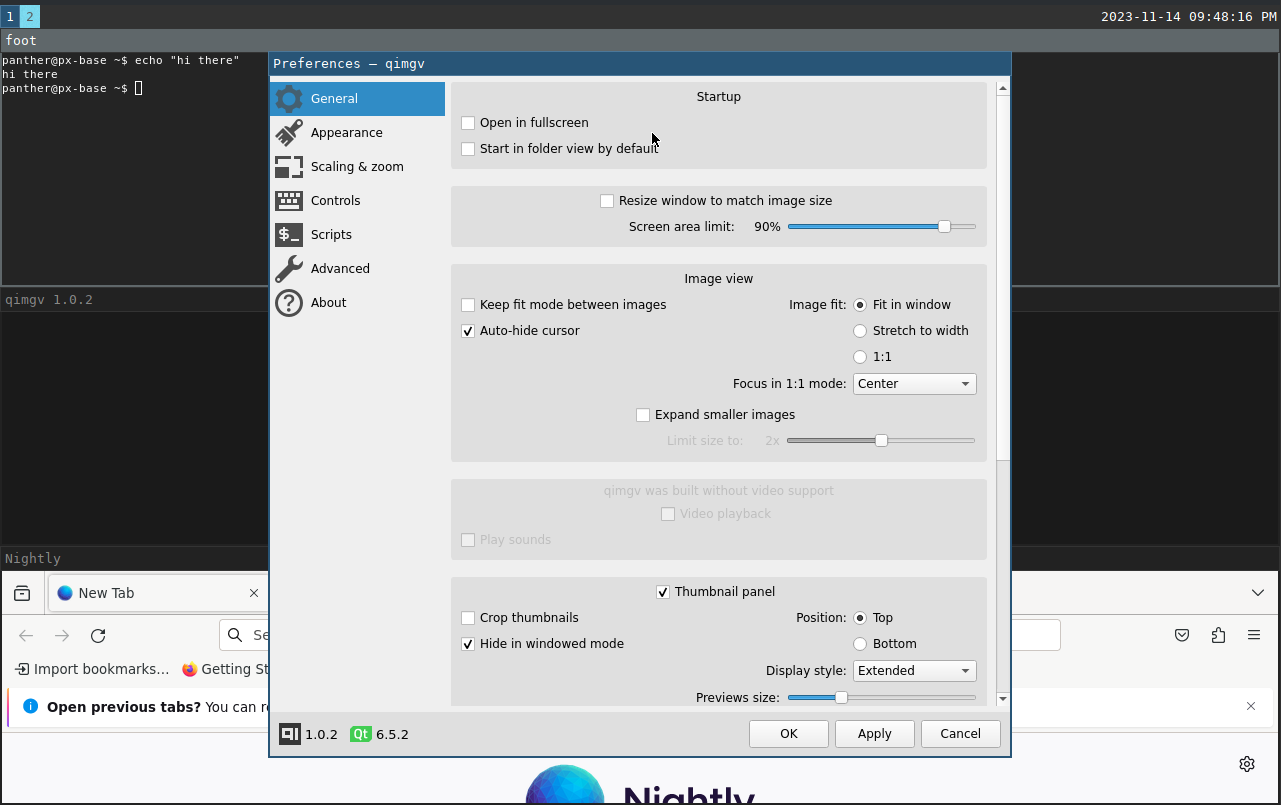 I've got the terminal, qimgv and Firefox open - everything behaves well, including free-flowing windows like the qimgv preferences in the foreground.
Do not use this "as is" on your system. Cleanup and adapt to your liking, and try out in the VM first.
### More info
- [qemu](https://wiki.pantherx.org/qemu/)
- [System configuration](https://wiki.pantherx.org/System-configuration/)
**Update: 2025-03-10**
Updated this guide to reflect the latest changes in PantherX OS system configuration format and note an issue with wlgreet not starting sway automatically.
I've got the terminal, qimgv and Firefox open - everything behaves well, including free-flowing windows like the qimgv preferences in the foreground.
Do not use this "as is" on your system. Cleanup and adapt to your liking, and try out in the VM first.
### More info
- [qemu](https://wiki.pantherx.org/qemu/)
- [System configuration](https://wiki.pantherx.org/System-configuration/)
**Update: 2025-03-10**
Updated this guide to reflect the latest changes in PantherX OS system configuration format and note an issue with wlgreet not starting sway automatically.