### Official apps Before you can access your crypto apps, you will need to install the corresponding application: [Ledger Waller Ethereum](https://www.ledgerwallet.com/apps/ethereum) for Ethereum and Ethereum Classic and [Ledger Wallet](https://www.ledgerwallet.com/wallet) for all remaining, officially supported coins. At first sight, Ledger applications are great: Easy to use, responsive, well designed and open source. #### Ledger Wallet 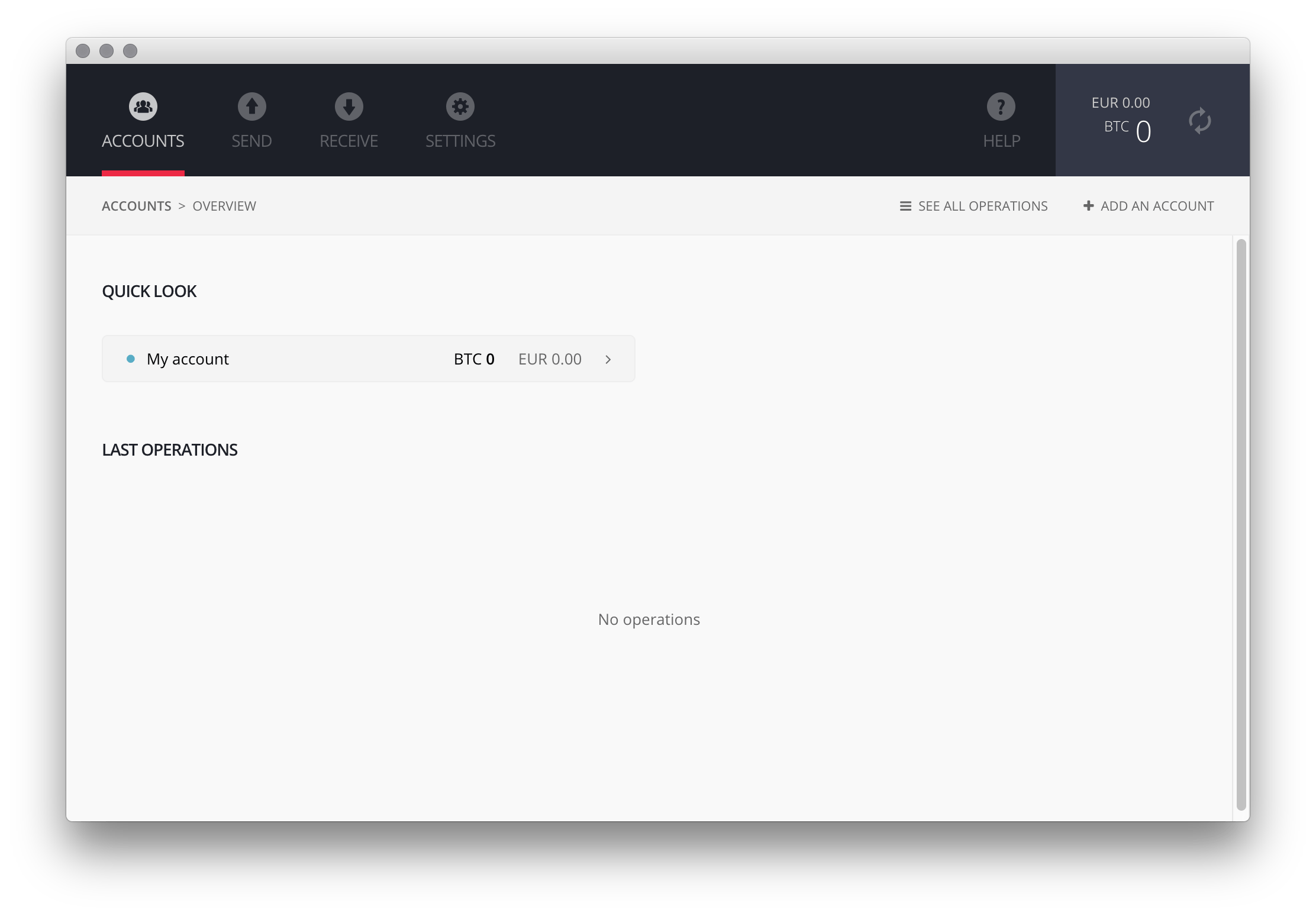 #### Ledger Wallet Ethereum 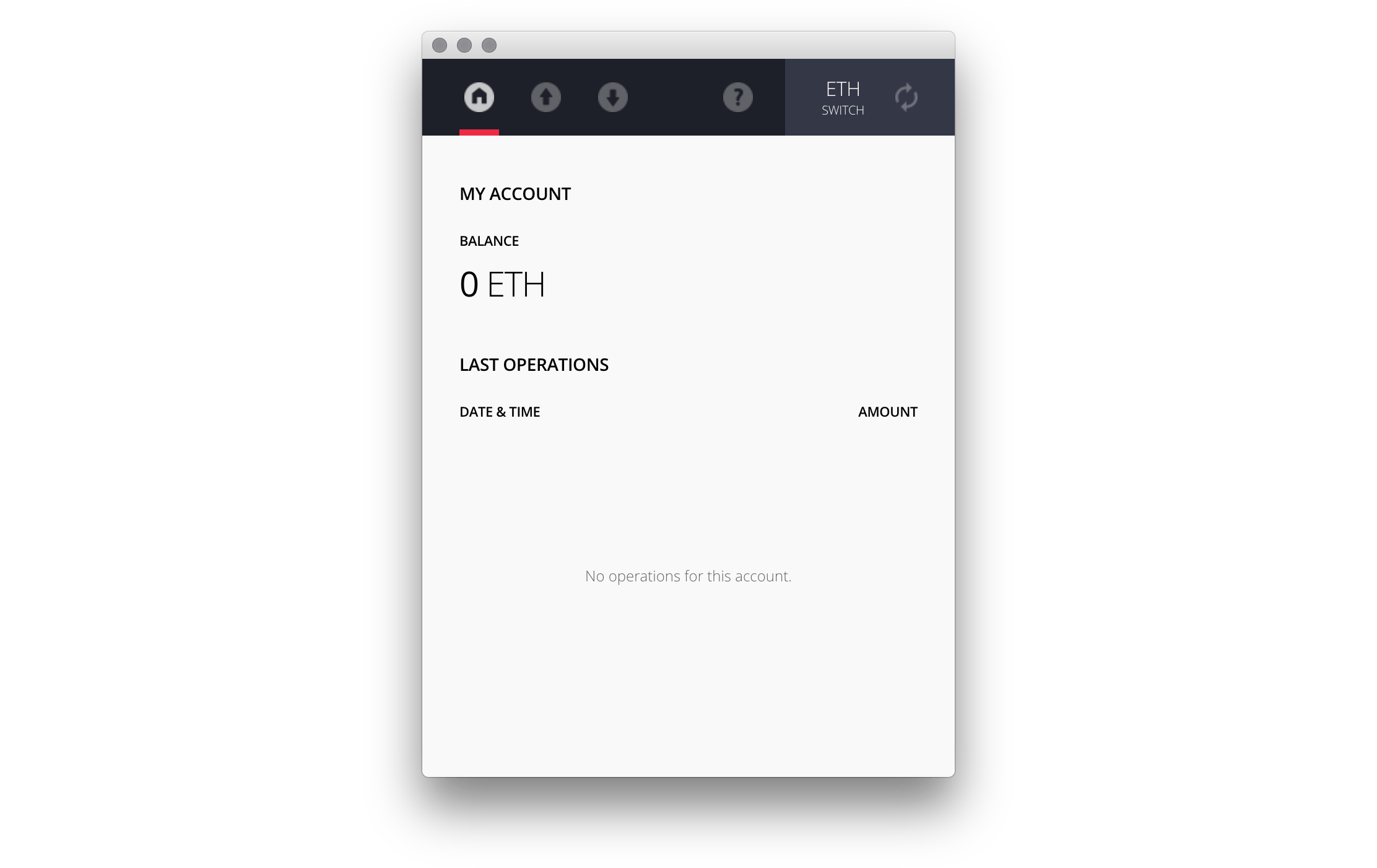 ### Usage This is where it becomes awkward. Let's try to accomplish two easy tasks, and see where it takes us. #### 1) Check Bitcoin balance 1. Plugin the device 2. Enter your PIN on the device (tiny buttons), everyone can see 3. Select the Bitcoin app on the Ledger Nano S 4. Launch the Chrome App Ledger Wallet Bitcoin 5. See your balance #### 2) Transfer Ethereum Now we're still in the Bitcoin app 1. Close the Chrome App 2. Close the Bitcoin app on the Ledger Nano S 3. Launch the Chrome App Ledger Wallet Ether app 4. Select the Ethereum app on the Ledger Nano S 5. Send Ethereum, confirm on Ledger Nano S (there's no real 2FA) PIN entry aside, Why is this so complicated? I'd like to see a unified interface that presents me with all accounts and coins that are stored on the Ledger Nano S - like a portfolio, like Exodus! 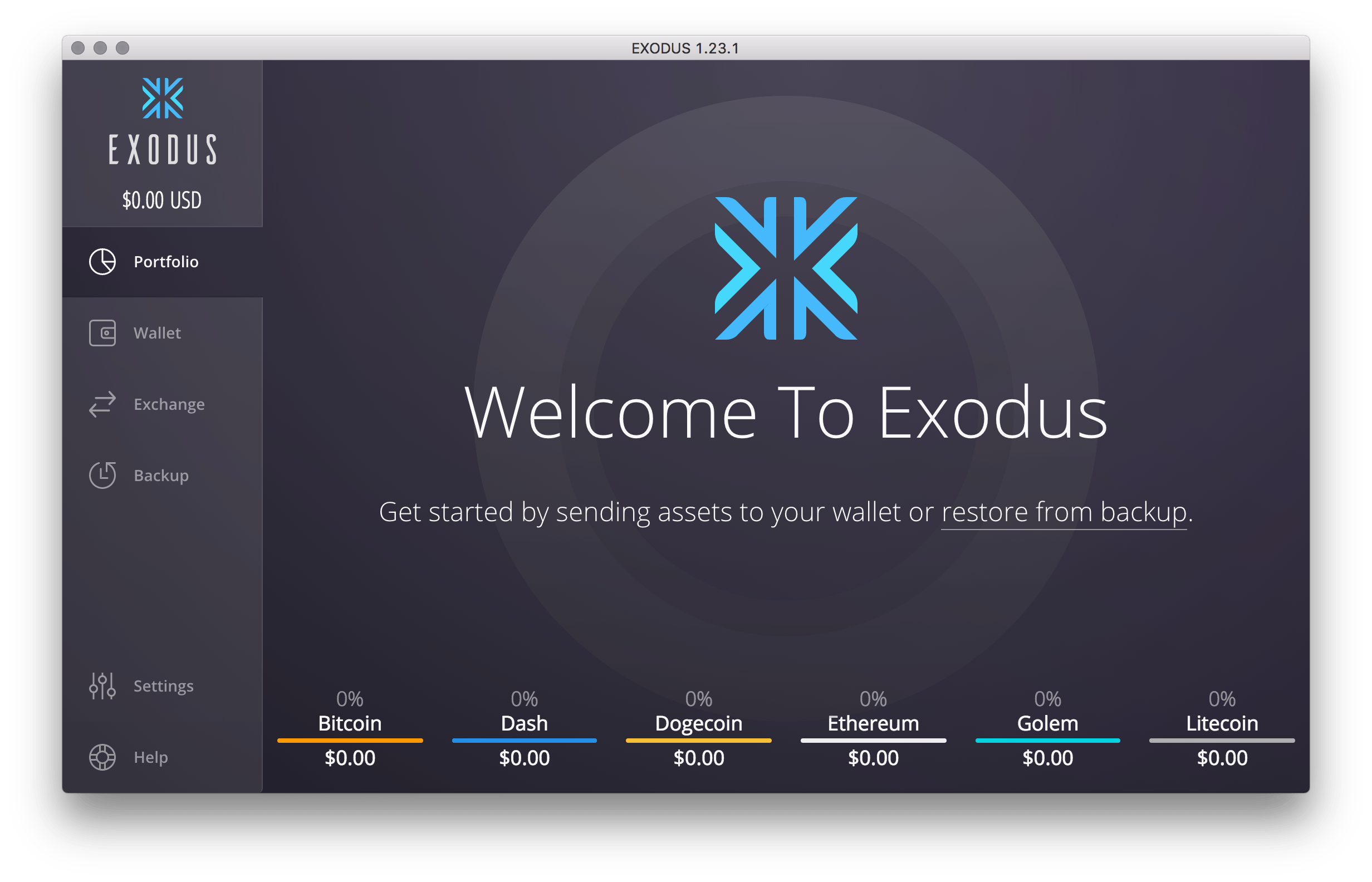 Looks gorgeous, doesn't it? That's what I want for my Ledger! ## Additional Apps I've found additional apps for the Ledger Nano S. There's even an early beta of GPG and 2FA ala Google Authenticator. Cool stuff! - Komodo (via Ledger Manager) - SSH/GPG Agent (via Ledger Manager) - Password Manager (via Ledger Manager) - Open GPG (via Ledger Manager) - [OTP 2FA App](https://parkerhoyes.com/bolos-apps) (HOTP 2FA) - [Snake App](https://parkerhoyes.com/bolos-apps) ## Compatibility The following apps / sites are compatible with the Ledger Nano S. | Application | OS | Crypto | Open Source | Notes | |---------------------------|------------|----------|--------------| | [Ledger Waller Bitcoin](https://www.ledgerwallet.com/wallet) | Win, Linux, macOS | BTC, LTC, DOGE, DASH, ZEC, STRAT | [yes](https://github.com/LedgerHQ) | Chrome app | | [Ledger Waller Ethereum](https://www.ledgerwallet.com/apps/ethereum) | Win, Linux, macOS | ETH, ETC | [yes](https://github.com/LedgerHQ) | Chrome app | | [Ledger Waller Ripple](https://www.ledgerwallet.com/apps/ripple) | Win, Linux, macOS | XRP | [yes](https://github.com/LedgerHQ/ledger-wallet-ripple) | Chrome app | | [MyEtherWallet](https://www.myetherwallet.com/) | Browser | ETC, ETC | [yes](https://github.com/kvhnuke/etherwallet) | | | [GreenAdress](https://greenaddress.it/) | Win, Linux, macOS, Android, iOS | BTC | [yes](https://github.com/greenaddress) | Chrome app | | [GreenBits](https://ledger.groovehq.com/knowledge_base/topics/how-to-use-the-ledger-nano-with-greenaddress) | Browser | BTC | | | | [Electrum](https://electrum.org/) | Win, Linux, macOS, Android | BTC | [yes](https://github.com/spesmilo/electrum) | Electron app | | [Electrum LTC](https://electrum-ltc.org/) | Win, Linux, macOS | LTC | [yes](https://electrum-ltc.org/) | Electron app | | [Mycelium](https://wallet.mycelium.com/) | Android, iOS | BTC | | | | [Copay](https://copay.io/) | Win, Linux, macOS, Android, iOS | BTC | [yes](https://github.com/bitpay/copay/releases/tag/v3.1.3) | | | [BitGo](https://bitgo.zendesk.com/hc/en-us/articles/115000357746) | Browser | BTC | [yes](https://github.com/bitgo) | | ## Comparison ### Ledger Nano - BTC only - Get [Ledger Wallet](https://www.ledgerwallet.com/apps/bitcoin) to access BTC - Launch app, enter pin, done! - Companion app [Ledger Authenticator](https://www.ledgerwallet.com/apps/bitcoin#get-the-apps) as 2FA for mobile - or Security card 2FA - You don't need a USB cable ### Ledger Nano S - BTC, LTC, ETH, ETC, ZEC, XRP - Get [Ledger Manager](https://www.ledgerwallet.com/apps/manager) to install apps to manage currency - Get [Ledger Wallet](https://www.ledgerwallet.com/apps/bitcoin) to access BTC/ALT - Get [Ledger Wallet Ethereum](https://www.ledgerwallet.com/apps/ethereum) to access ETH/ETC - Get [Ledger Wallet Ripple](https://www.ledgerwallet.com/apps/ripple) to access XRP - Custom Apps (Fido, U2F, [GPG](https://github.com/LedgerHQ/blue-app-ssh-agent), [SSH](https://github.com/LedgerHQ/blue-app-ssh-agent)) - Screen 2FA (no real 2FA) *[1]* - You need a USB cable I wish the Ledger Nano S was a little more like the little brother, with integrated USB, a lot smaller and equipped with 2FA companion app Ledger Authenticator. *[1]* Unlike the Ledger Nano, the S allows you to confirm transactions on-screen. That means, if someone gets hold of your Ledger Nano S, incl. PIN, consider your money gone. I preferred doing this without display, using either the security card or companion app (just feels better). ## Roadmap The [public roadmap](https://trello.com/b/5nQ1mdzt/ledger-roadmap) gives us a good idea what's to come: - A Chrome App replacement based on Electron is in the works (since [end of 2016](https://trello.com/c/mf0aFgDK/28-chrome-applications-end-of-life)) - Ledger Wallet Android is in Alpha, more on [reddit](https://www.reddit.com/r/ledgerwallet/comments/47bti4/ledger_wallet_android_spv_alpha_release/) (no updates since [early 2016](https://github.com/LedgerHQ/ledger-wallet-android)) - Monero support received a lot of votes@f_anzs @LedgerHQ That's about it yes, the SE (ST31H320) has 320K of storage space, restricting the number of apps that can be installed
— David Balland (@Morveus) May 6, 2017
**Update:** Support for XRP has been added. ## Links Here's some other, related stuff I found useful: - [Ledger on Slack](http://slack.ledger.co/) - [Ledger on reddit](https://www.reddit.com/r/ledgerwallet/) - [How to verify the security integrity of my Nano S?](http://support.ledgerwallet.com/knowledge_base/topics/how-to-verify-the-security-integrity-of-my-nano-s) - [How to import / recover a backup on a Nano S?](http://support.ledgerwallet.com/knowledge_base/topics/how-to-import-slash-recover-a-backup-on-a-nano-s) - [ST31H320 ST31 ARM Core and Flash memory](http://www.st.com/en/secure-mcus/st31h320.html) ## Final words Overall, it's sort of like an MP3 player, before Apple made the first iPod. It does the job and keeps your crypto secure but I hope the new Electron based software they are working on, will collect the different cryptos under one roof. Get one!By (massive) popular request, Ledger is going to announce XRP Ripple support for Nano S & Blue in the coming days. Stay tuned! pic.twitter.com/SadUkoZtus
— Ledger (@LedgerHQ) May 16, 2017